Accessing the Certificall Application
Installing the Certificall Application
This section guides you through the steps to install the Certificall application on your mobile device, whether Android or iOS (Apple).
Downloading the Application
For Android Users
- Access the Google Play Store by following this link: Certificall on Google Play
- Download and install the application on your device.
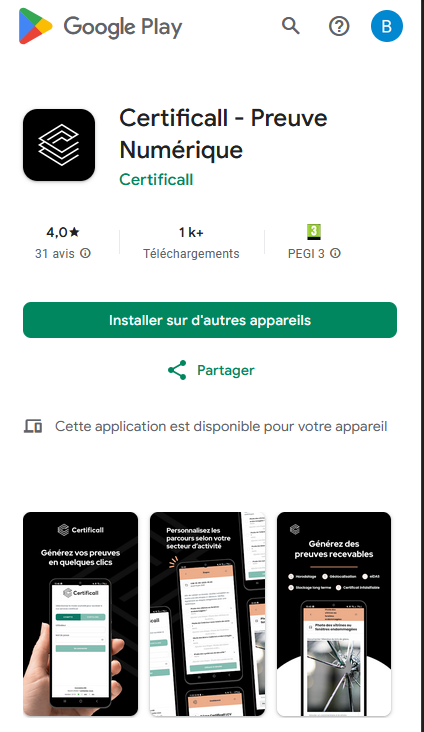
For Apple (iOS) Users
- Go to the App Store by following this link: Certificall on the App Store
- Download and install the application on your iPhone or iPad.
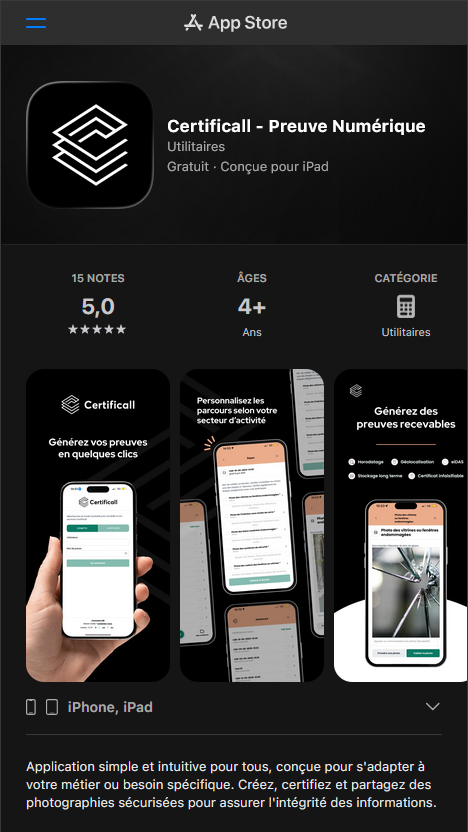
Verifying Application Functionality
-
Check the Application Version:
- Note the application version on the store, as this determines which features you will have access to.
- Regularly update the application to benefit from the latest features and improvements of Certificall.
-
Launching the Application:
- Open the application by clicking on its icon from your smartphone's home screen.
-
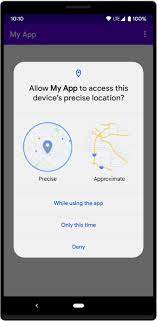
Geolocation Authorization:
- On first launch, the application may request permission to access your location. Click "Yes, always allow" to enable this feature.
2 Login Methods
Username and Password
[...]
From a Third-Party Application: Login via Certilink
[...]